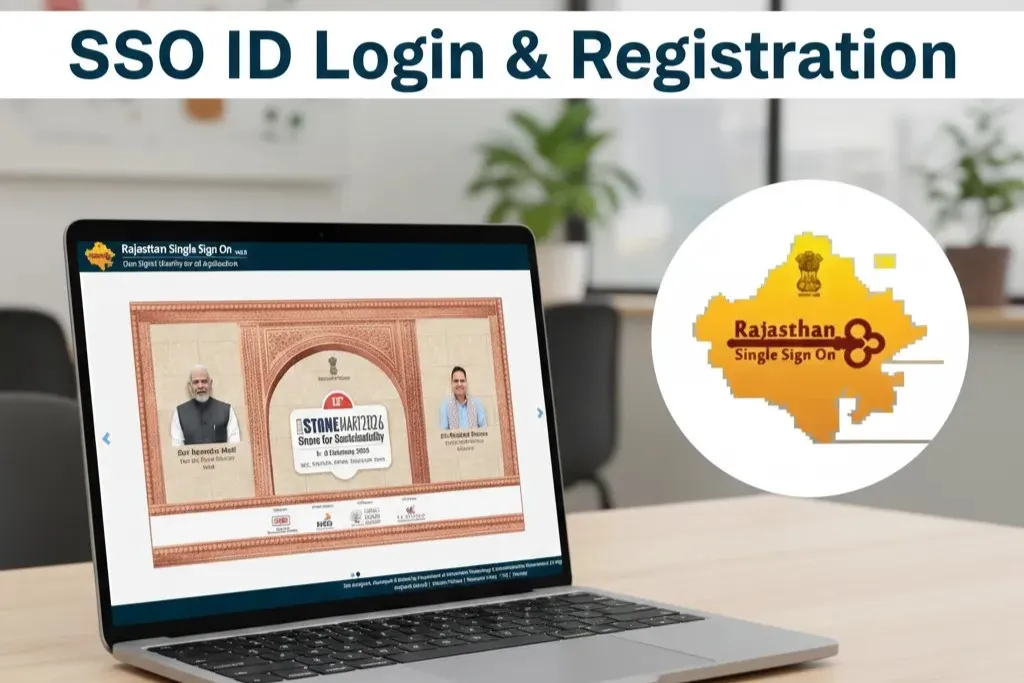
SSO ID Quick Dashboard
SSO ID (Single Sign-On) Rajasthan is a digital identity provided by the Government of Rajasthan that allows citizens, students, and government employees to access multiple online services using a single login. With one SSO ID, users can apply for scholarships, government jobs, e-Mitra services, and various government schemes without creating separate accounts. It saves time and makes online services faster, easier, and more secure. Anyone with a Jan Aadhaar, Aadhaar, or Google account can create an SSO ID, and this website provides step-by-step guides and solutions to help you use the SSO Rajasthan portal smoothly.
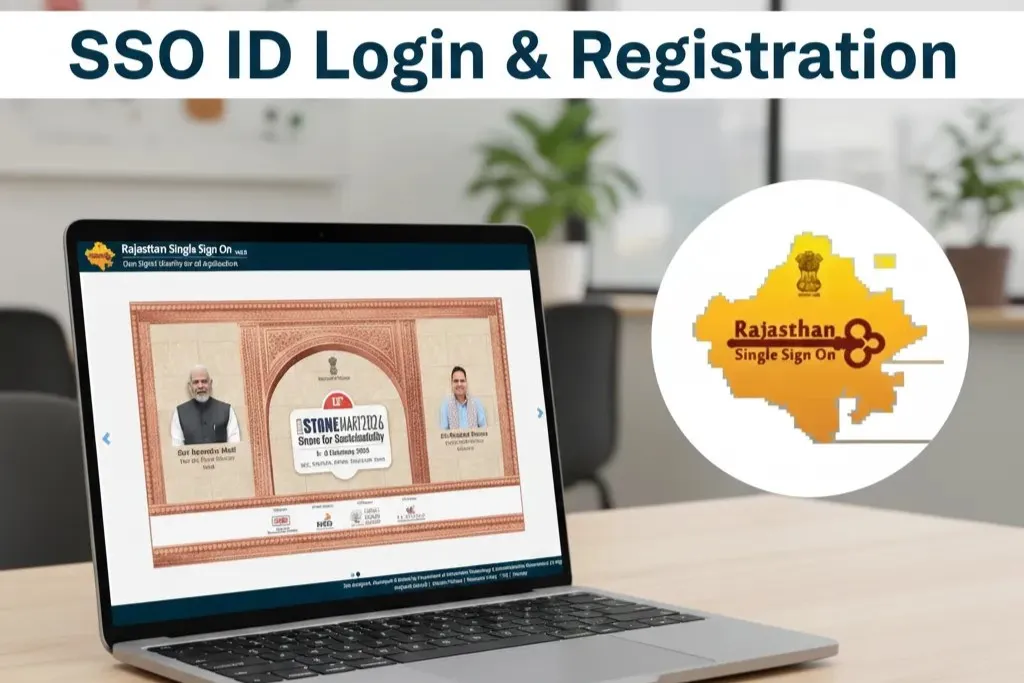
How to Login to SSO ID Rajasthan Portal
The SSO ID Rajasthan portal allows citizens, students, and government employees to access multiple government services using a single login. If you already have an SSO ID, follow the steps below to log in.
Step 1: Open the SSO Portal
Step 2: Enter your SSO ID
- Enter your SSO ID or username.
Step 3: Enter your password
- Type your SSO password.
- Make sure the password is correct.
Step 4: Enter captcha
- Type the captcha code shown on the screen.
Step 5: Click Login
- Click the Login button to access your SSO dashboard.
How to Register for SSO ID Rajasthan
If you do not have an SSO ID, you can create one online through the official Rajasthan SSO portal. The registration process is simple and takes only a few minutes.
Step 1: Open the registration page
Step 2: Choose your registration type
- Citizen
- Udhyog (Business)
- Government Employee
Step 3: Select registration method
- Jan Aadhaar
- Google account
Step 4: Enter required details
- Enter your personal information.
- Verify your mobile number using OTP.
Step 5: Create your SSO ID and password
- Set your username and password.
- Submit the form to complete registration.
Step 6: Login to your new SSO account
- Go to the login page.
- Enter your new SSO ID and password.
How to Recover Forgotten SSO ID
If you have forgotten your SSO ID, you can easily recover it through the official SSO Rajasthan portal using your registered mobile number, email, or other identity options.
Step 1: Open the Forgot SSO ID page
Step 2: Choose a recovery method
- Mobile number
- Google ID
- Aadhaar ID
- Jan Aadhaar ID
Step 3: Enter required details
- Enter your registered mobile number or email.
- Provide the requested identification details.
Step 4: Verify using OTP
- You will receive an OTP on your registered mobile or email.
- Enter the OTP to continue.
Step 5: View your SSO ID
- After verification, your SSO ID will be displayed on the screen.
- Note it down for future use.
Step 6: Login with your recovered SSO ID
- Go to the SSO login page.
- Enter your SSO ID and password to access your account.
How to Reset Forgotten SSO Password
If you have forgotten your SSO password, you can easily reset it through the official SSO Rajasthan portal using your registered mobile number or email.
Step 1: Open the Forgot Password page
Step 2: Enter your SSO ID
- Type your SSO ID or username.
- You may also use your registered email or mobile number.
Step 3: Verify using OTP
- An OTP will be sent to your registered mobile number or email.
- Enter the OTP to proceed.
Step 4: Create a new password
- Enter a new strong password.
- Confirm the password.
Step 5: Login with your new password
- Go back to the SSO login page.
- Enter your SSO ID and new password.
Frequently Asked Questions (FAQs)
What is SSO ID Rajasthan?
SSO ID is a single digital login provided by the Rajasthan Government that allows users to access multiple government services through one account.
Who can create an SSO ID?
Citizens, students, business owners (Udhyog), and government employees can create an SSO ID.
How can I create an SSO ID?
You can create an SSO ID by visiting the registration page and signing up using Jan Aadhaar, Aadhaar, Google account, or other available options.
What documents are required for SSO ID registration?
You can register using Jan Aadhaar, Aadhaar, or a Google account. Some services may require additional documents.
Can I use one SSO ID for multiple services?
Yes, one SSO ID can be used to access multiple government services like scholarships, job applications, and e-Mitra services.
What should I do if I forget my SSO ID?
You can recover your SSO ID using the “Forgot SSO ID” option with your registered mobile number, email, or Aadhaar.
How do I reset my SSO password?
Use the “Forgot Password” option on the SSO portal and reset your password using OTP verification.
Why am I not receiving the OTP?
This may happen due to network issues or incorrect mobile number. Wait for a minute and try again.
Is SSO ID free to create?
Yes, creating an SSO ID is completely free for all users.
Can I change my mobile number in SSO ID?
Yes, you can update your mobile number after logging into your SSO account.